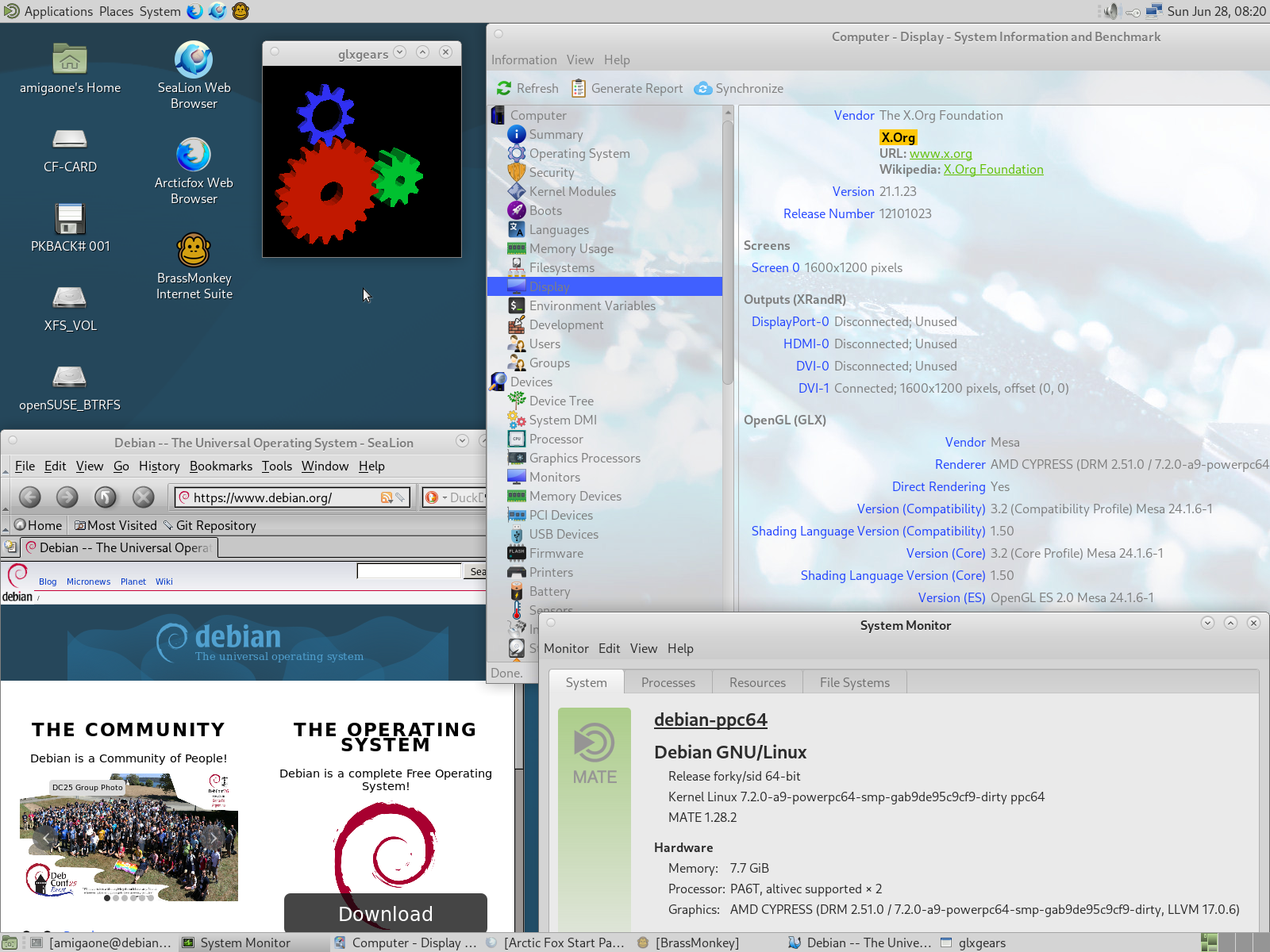
Re: Debian Buster/Sid PPC64
Posted: Sat Jun 27, 2026 4:31 pm
Thank you for image and advice.
I will be at holidays for two weeks, so I will test after return.
I will be at holidays for two weeks, so I will test after return.
Support Forum
https://forum.hyperion-entertainment.com/
https://forum.hyperion-entertainment.com/viewtopic.php?t=3870
Code: Select all
apt install task-mate-desktopCode: Select all
mv /usr/lib/xorg/modules/libglamoregl.so /usr/lib/xorg/modules/libglamoregl.so.bak
Code: Select all
deb https://u58733p55594.web0093.zxcs-klant.nl/repo-64 unstable main
deb https://u58733p55594.web0093.zxcs-klant.nl/xeno74 ./
deb http://u58733p55594.web0093.zxcs-klant.nl/mesa-64 ./
Code: Select all
apt update --allow-unauthenticated --allow-insecure-repositoriesCode: Select all
apt install libegl-mesa0=24.1.6-1 libgbm1=24.1.6-1 libgl1-mesa-dri=24.1.6-1 \
libglx-mesa0=24.1.6-1 mesa-va-drivers=24.1.6-1 mesa-vdpau-drivers=24.1.6-1 \
mesa-vulkan-drivers=24.1.6-1
Code: Select all
apt install sealion libgtk2.0-0Code: Select all
ln -s /usr/lib/powerpc64-linux-gnu/libffi.so.8 /usr/lib/powerpc64-linux-gnu/libffi.so.6Code: Select all
apt install brassmonkeyCode: Select all
apt install arcticfox